Generation specifications
A generation specification runs a project's model generations when the project builds, in stages, and its file generations after them. Each stage costs the build a compile of the whole project, so putting the generations that don't need each other in one stage makes the build faster. Here, QualityGeneration runs four data quality checks of the guide's database in two stages.
The stages
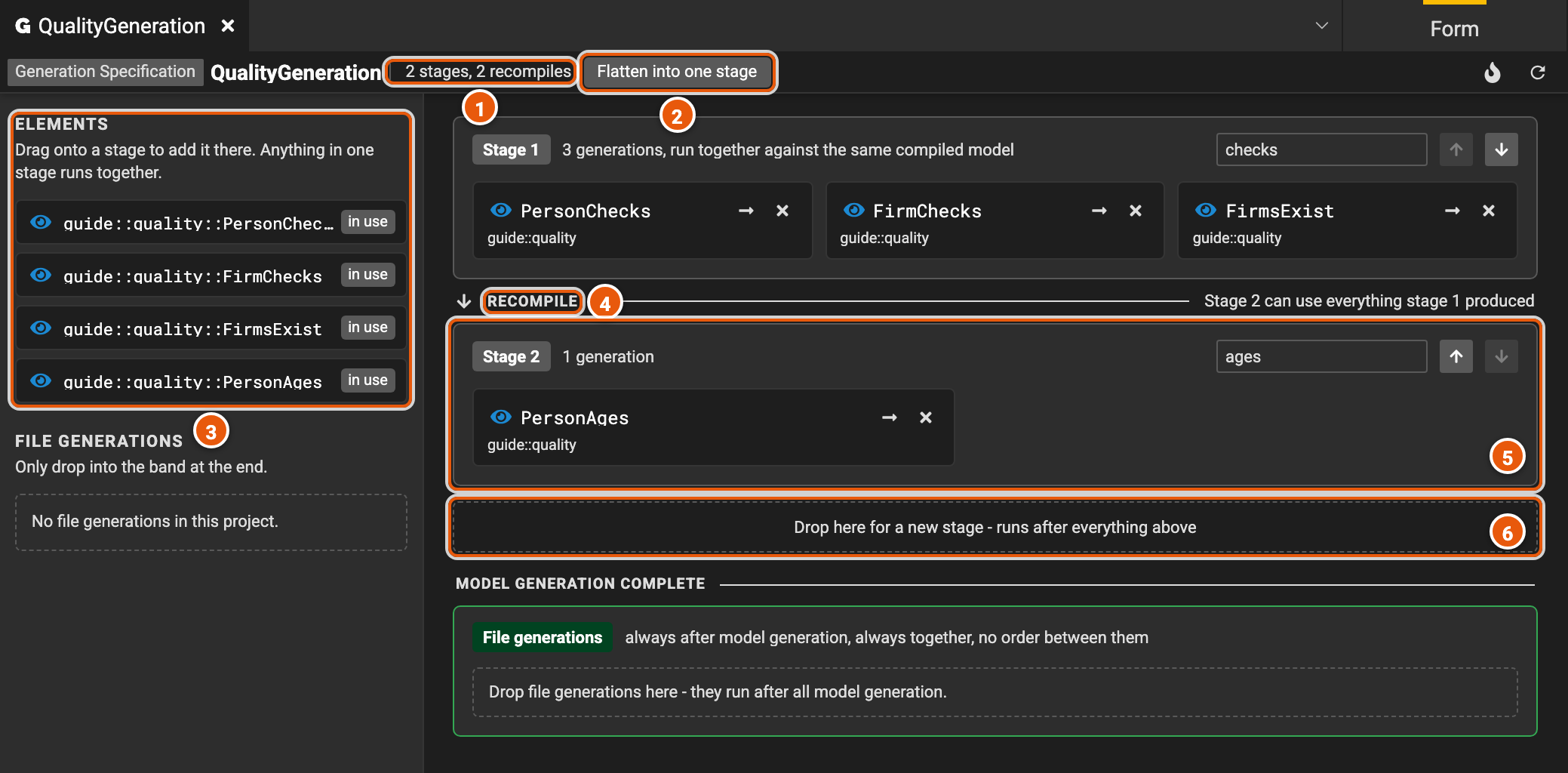
- The count: how many stages the specification has, and how many times the build compiles the project to run them, one per stage.
- Flatten into one stage moves every generation into stage 1 (see Speed up the build).
- Elements: the project's elements that generate models, each marked in use once a stage runs it. Drag one onto a stage to add it there. They come from extensions to Legend Studio, such as data quality, so a Legend Studio without them lists none.
- Recompile: after each stage, the build compiles the project again, with what the stage generated, so the next stage can use it.
- A stage: its generations run together, against the same compiled project, so none of them can use what another one generates. The field at the top right names the stage, and its arrows Run this stage earlier or Run this stage later. On a card, the arrow opens the element and Remove from this stage takes it out. A stage goes once nothing is left in it.
- Drop here for a new stage: an element dropped here gets a stage of its own, which runs after everything above.
File generations, below Model generation complete, run after all the stages, together, and add no compile.
Speed up the build
Fewer stages build faster. Drag a card onto another stage to run it with that stage's generations, or put every generation in one stage:
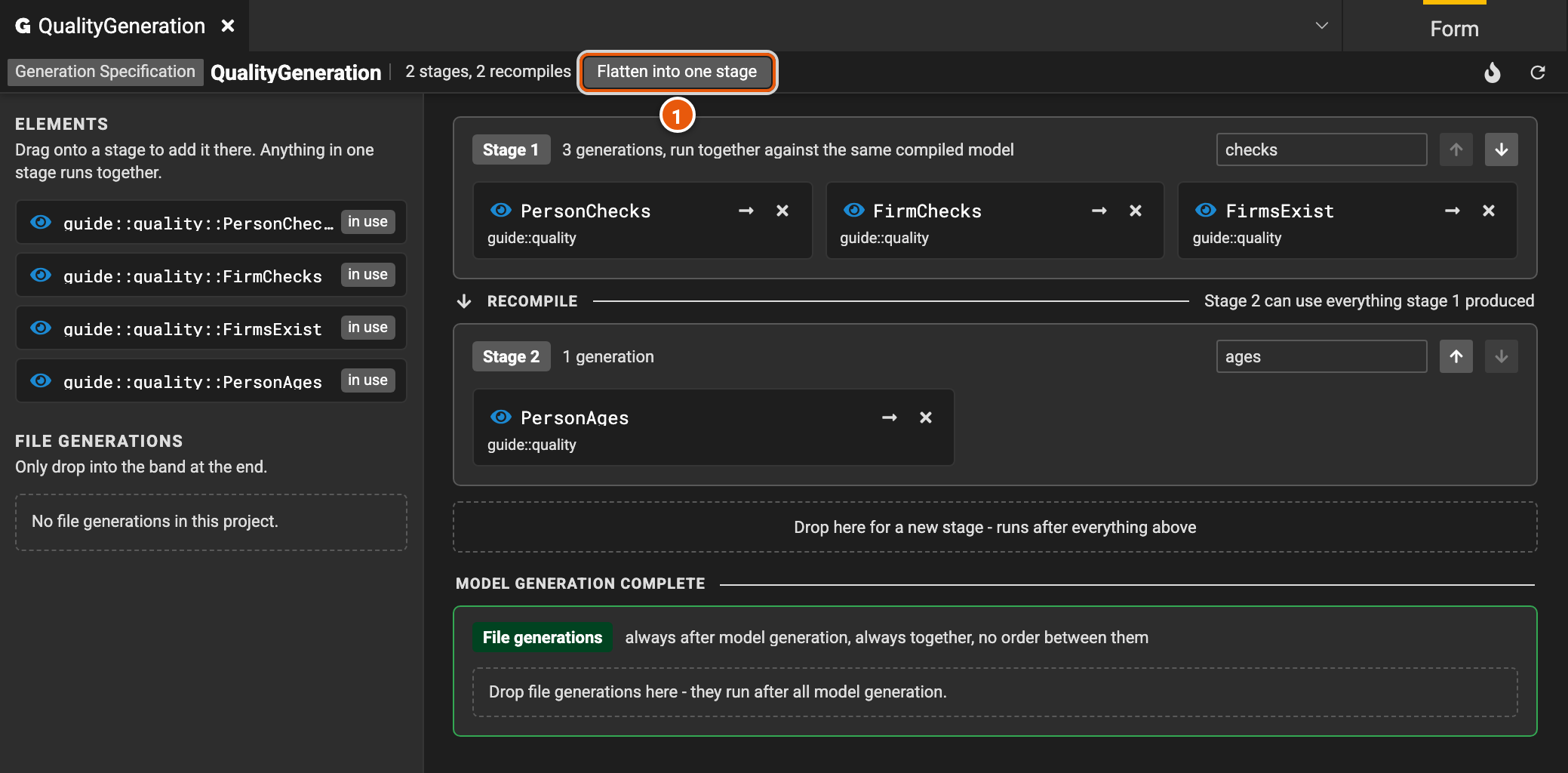
- Flatten into one stage, in the header, moves every generation into stage 1.
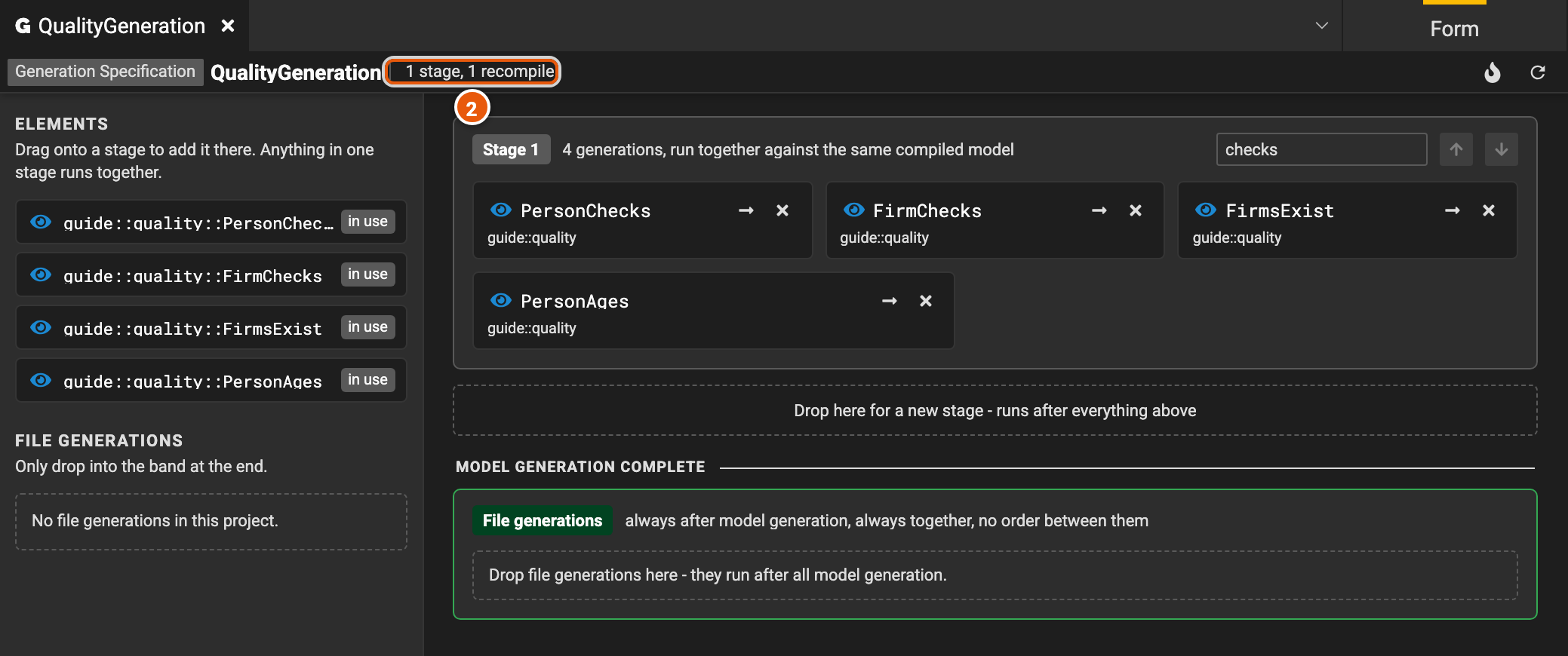
- The count then reads 1 stage, 1 recompile: the build compiles the project once for all four generations.
Flatten only when no generation needs another one's output. One that does then fails, and its card offers to move it back into a stage of its own. Legend Studio doesn't offer Flatten into one stage when two stages run the same element, or when the specification is read-only.
What can share a stage
- A generation that uses another one's output needs a later stage than it.
- Two generations in one stage can't generate the same element. The build fails, naming both.
- Merging two stages can turn a warning into a failure. When generations in two stages generate the same element, the build keeps the first one and warns; in one stage, it fails.
- An element runs once per stage. It may be in more than one stage, marked in N stages under Elements.
In text mode
In text mode, each stage is a node of generationNodes. generationElements lists the
generations of a stage that runs several, generationElement names a stage's only one, and id names the stage:
###GenerationSpecification
GenerationSpecification guide::quality::QualityGeneration
{
  generationNodes: [
    {
      id: 'checks';
      generationElements: [
        guide::quality::PersonChecks,
        guide::quality::FirmChecks,
        guide::quality::FirmsExist
      ];
    },
    {
      id: 'ages';
      generationElement: guide::quality::PersonAges;
    }
  ];
}
A stage without an id is named after its elements, separated by commas.